All LaTeX content in the current document shares a unified preamble, ensuring consistent styling, packages, and commands throughout the document.
We recommend that you configure the preamble after creating a new document in order to:
✅ Ensure all examples in subsequent documentation can be compiled and demonstrated properly.
✅ Replicate the effects from the official video tutorials in your environment. (Download the presentation corresponding to the official videos )
Operation Steps
- Click TexSlide → Preferences in the menu bar, then select TexSlide → Formula in the
Optionspanel. - As shown below, set the global preamble for the file in the LaTeX Preamble section on the right.
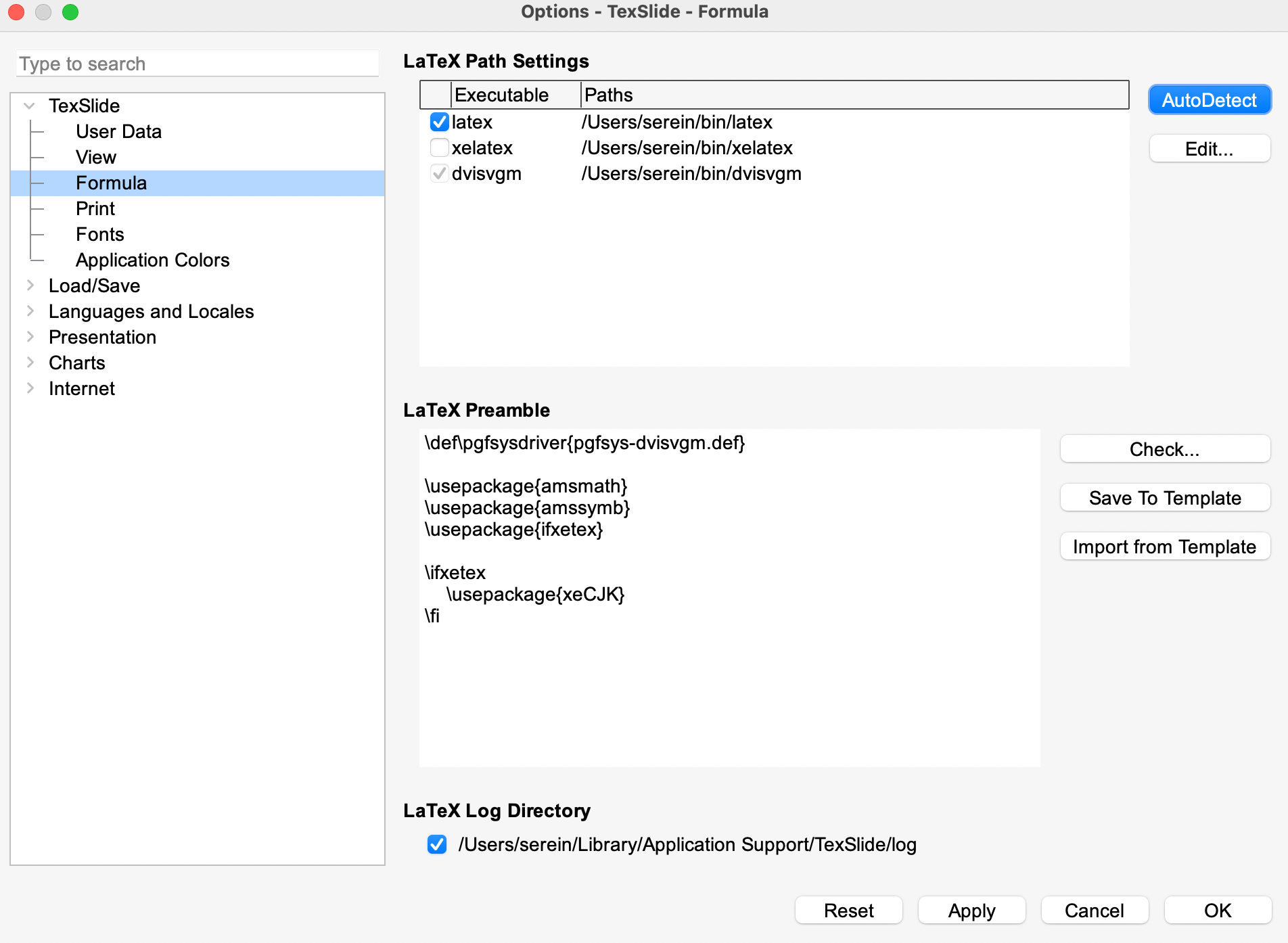
Preamble Content
TexSlide provides a default preamble with the following content:
\def\pgfsysdriver{pgfsys-dvisvgm.def}

\usepackage{amsmath}
\usepackage{amssymb}
\usepackage{ifxetex}
\usepackage{multirow}

\ifxetex
    \usepackage{xeCJK}
\fi
You can customize the global preamble according to your needs. Here is a structured example.
We recommend that you configure the preamble after creating a new document. This ensures that all code examples in the documentation and official video demonstrations can run and be tested properly.
% ========================
% 1. Driver Setup (Highest Priority)
% ========================
\def\pgfsysdriver{pgfsys-dvisvgm.def}

% ========================
% 2. Base Toolkit
% ========================
\usepackage{amsmath}
\usepackage{amssymb}
\usepackage{ifxetex}

% ========================
% 3. Document Content Packages
% ========================
\usepackage{algorithm}
\usepackage{algpseudocode}
\usepackage{booktabs}
\usepackage{caption}
\usepackage{xcolor}

% ========================
% 4. Domain-Specific Packages
% ========================
\usepackage{chemfig}
\usepackage{mhchem}

% ========================
% 5. Graphics & Visualization Packages (Post-Driver)
% ========================
\usepackage{pgfplots}
\usepackage{tikz}
\pgfplotsset{compat=1.18}
\usepgfplotslibrary{fillbetween}

% ========================
% 6. Custom Macros
% ========================
\definecolor{myBlue}{RGB}{18,125,230}
\newcommand{\mbf}{\mathbf}

% ========================
% 7. Conditional Loading (Lowest Priority)
% ========================
\ifxetex
    \usepackage{xeCJK}
\fi
\def\pgfsysdriver{pgfsys-dvisvgm.def} must be placed at the very beginning of the preamble to ensure proper SVG rendering.
Check Preamble
Click Check to validate the preamble syntax and verify package availability.
- If successful, a message will appear:
Preamble check has succeeded:
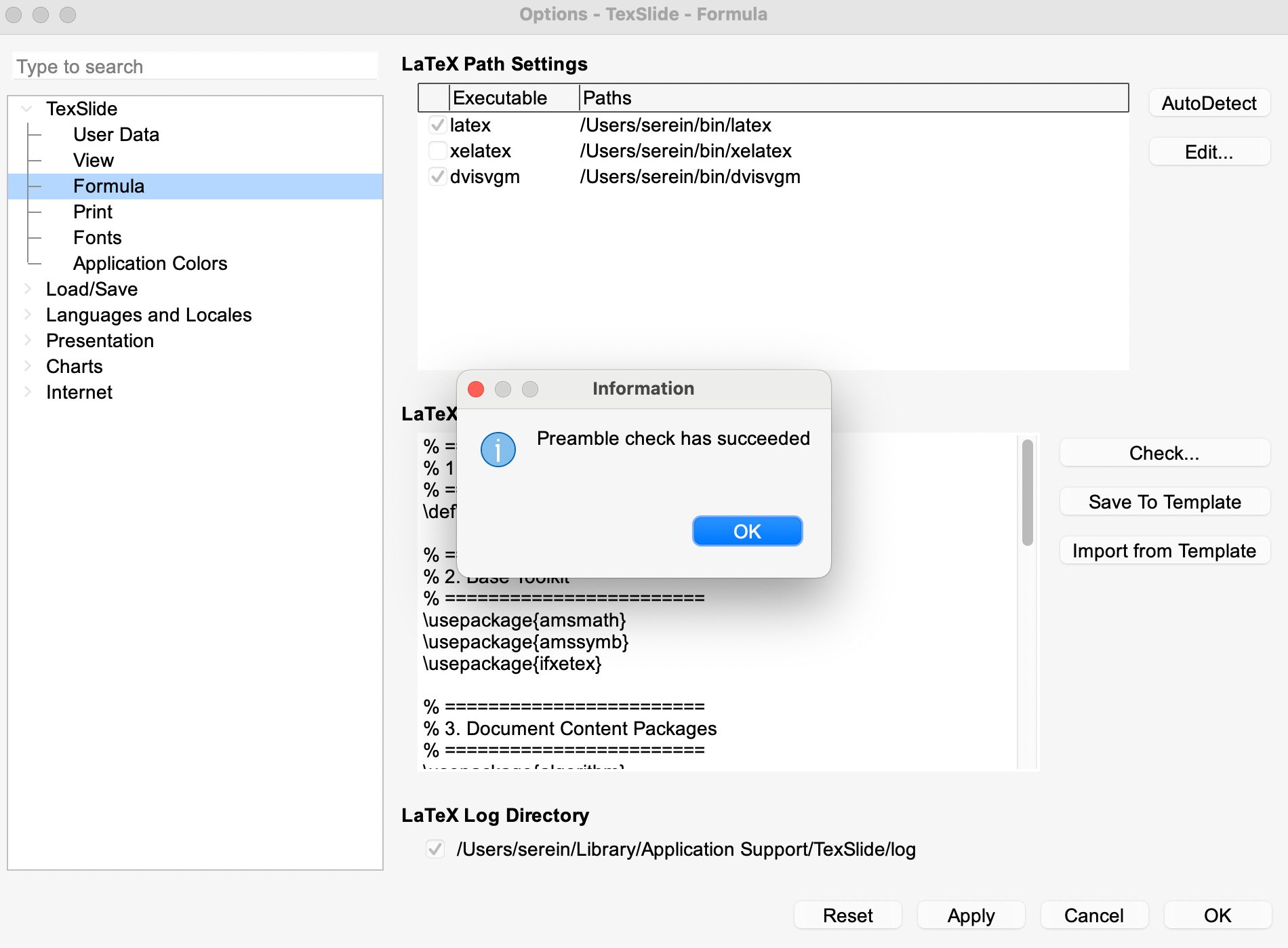
- If failed, an error message will appear:
Preamble check has failed:
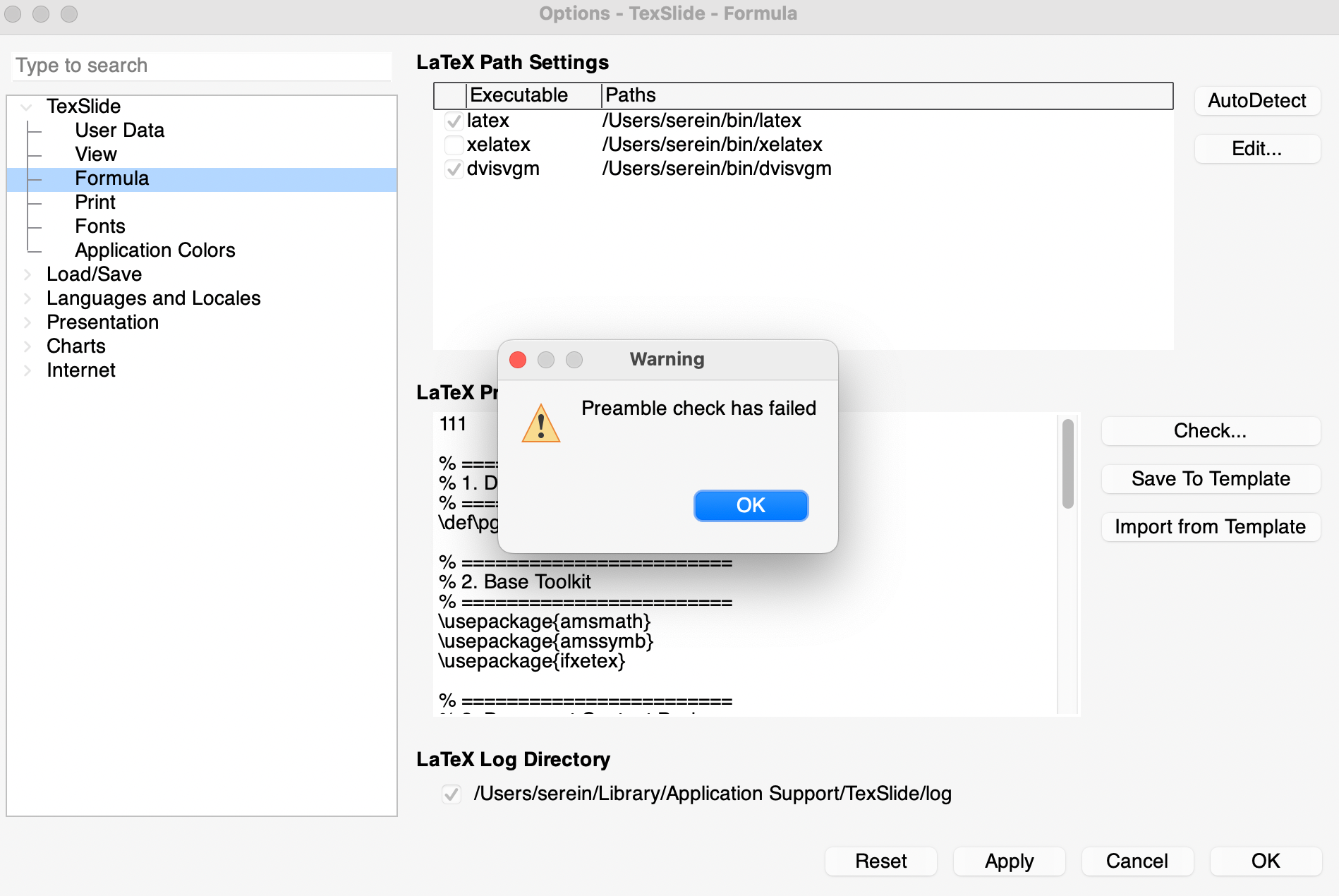
Template Management
Operation Steps
- Click Save To Template to save the current preamble as the template.
- Click Import from Template to replace the current preamble with the saved template.