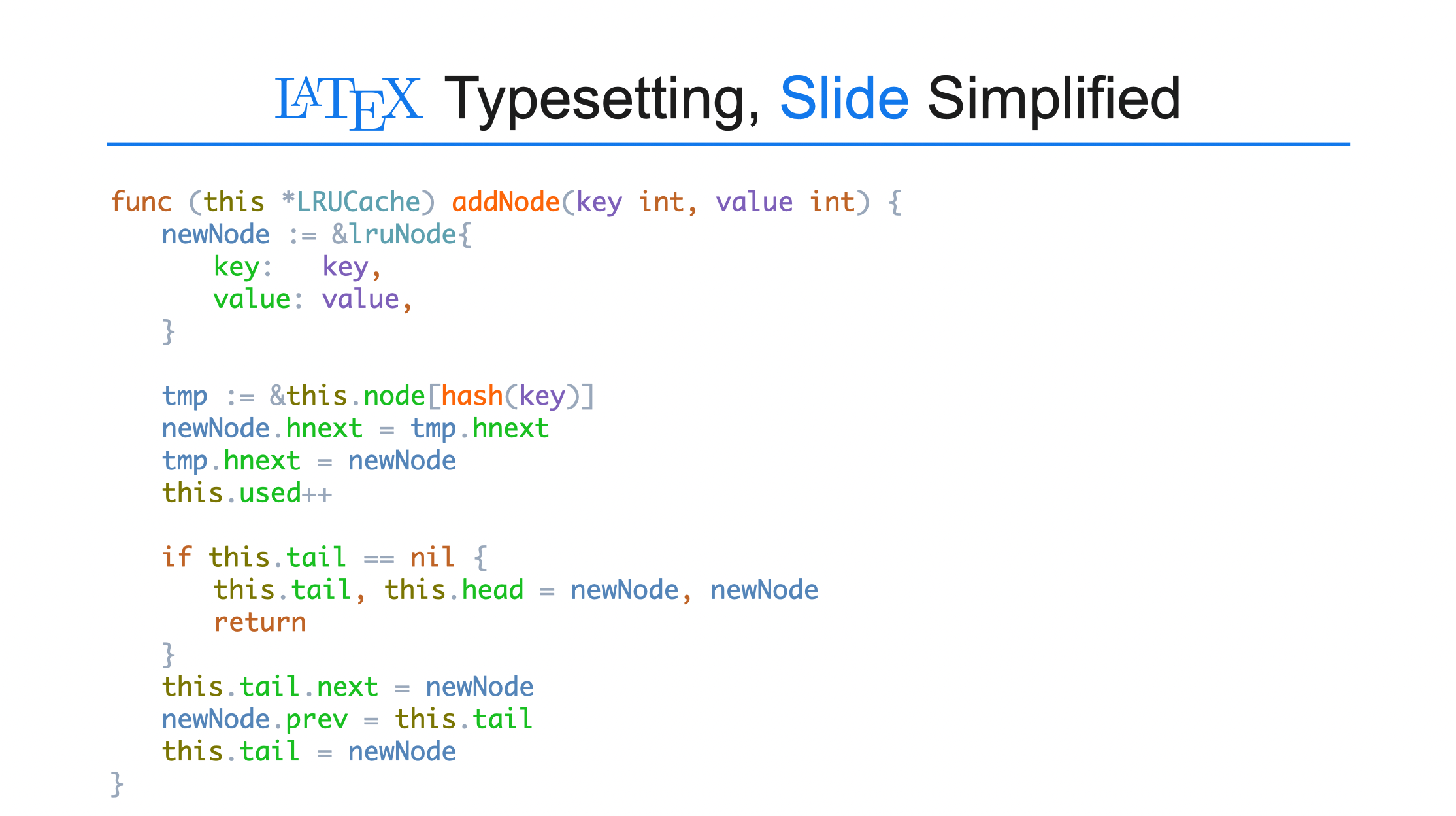
TexSlide provides intelligent formatted code pasting functionality, perfectly preserving code formatting copied from IDEs like Visual Studio Code and JetBrains.
Operation Steps
- In Visual Studio Code or other IDEs, select and copy the code snippet.
- In TexSlide, on a blank area of the page, perform either of the following actions:
- Option A: Right-click directly and select
Paste. - Option B: From the menu bar, select
Edit→Paste Special→Paste Special→HyperText Markup Language (HTML).
- The code will maintain its original formatting, including syntax highlighting and indentation structure.
In TexSlide, insert or select a text box, then right-click and choose Paste,the formatting may be lost. This is because pasting into a text box defaults to plain text without styles.
Rendered Result